 Apr 04, 2026 - 0
Minutes read
Apr 04, 2026 - 0
Minutes read
Pine Script Explained: Build Custom Indicators on TradingView
Turn Your Trading Ideas into Automated Strategies on TradingView
Introduction
Pine Script is a powerful scripting language built into TradingView that allows traders to create their own indicators, signals, and trading strategies. It helps make trading analysis smarter, more automated, and highly customized.
What is Pine Script?
Pine Script is a simple and trader-friendly programming language that works directly with TradingView charts. It allows you to analyze market data, create conditions, generate signals, and set alerts. Even without prior coding experience, beginners can start easily because it is specifically designed for trading.
It processes data bar-by-bar, meaning it calculates based on each candle and displays results accordingly on the chart. With Pine Script, traders can turn their trading ideas into code and apply that logic to both real-time and historical data.
Creating Custom Indicators
One of the biggest advantages of Pine Script is the ability to create custom indicators. Built-in indicators like RSI, MACD, and Moving Averages are the same for everyone, but with Pine Script, you can build indicators based on your own strategy.
For example, you can create a signal where RSI is oversold and the price is above a moving average—this kind of custom logic can be easily implemented using Pine Script.
Custom indicators also allow you to add visual elements such as labels, arrows, color changes, and highlighted zones. This makes chart analysis clearer and more efficient.
Another major advantage is flexibility—you can modify your indicator anytime, add new conditions, and continuously improve your trading system.
Strategy Building
Pine Script is not only for creating indicators but also for building complete trading strategies. You can define entry, exit, stop loss, and take profit conditions within your script.
Using TradingView’s strategy tester, you can backtest your strategy on historical data. This helps you evaluate profitability, win rate, drawdown, and overall performance.
Backtesting allows traders to verify their system before entering real trades, reducing risk significantly. However, it is important to avoid over-optimizing your strategy, as it may not perform well in live market conditions.
Beginner Examples
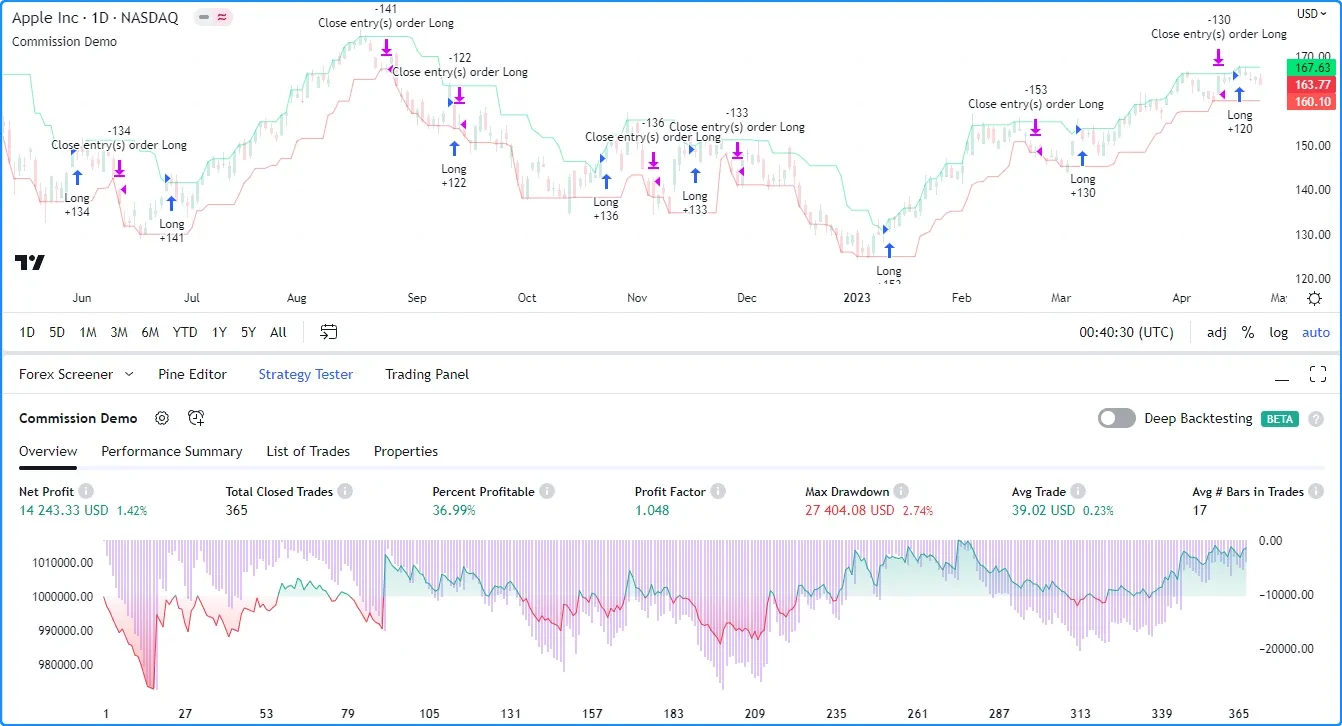
For beginners, the best way to learn Pine Script is by starting with simple examples.
A common example is the Moving Average crossover strategy, where a short-term moving average crossing above a long-term moving average generates a buy signal, and crossing below generates a sell signal.
Another simple example is using RSI to detect overbought and oversold conditions, such as RSI below 30 or above 70.
These basic examples help you understand how Pine Script works, and gradually you can build more advanced trading systems.